 Help Center
If you have a mini pc (one of these)
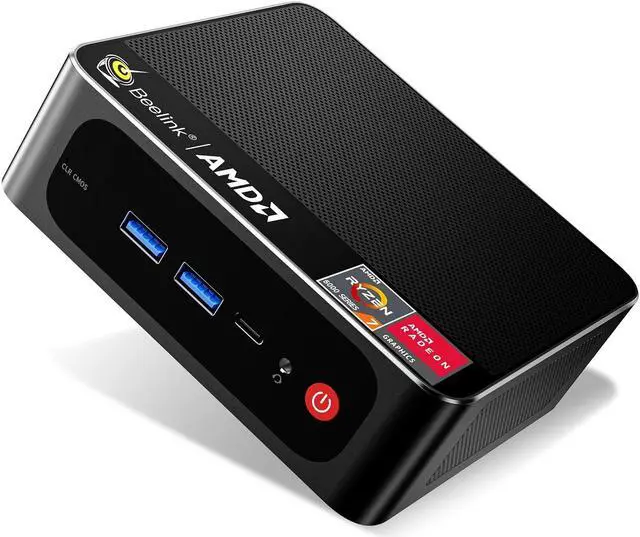
then you may have an issue with your default printer resetting to the Microsoft PDF writer each time you log into the network. This is because Remote Desktop (RDP) has a default that will set any defaulot printer set up locally on the PC as your defalult when you log into the network. The PC's all have this Microsoft Print To PDF printer installed by default when they are set up new.
This article shows you how to turn off that option so your default on the network will stick between your login sessions.
Before you log into the network from your PC....
Start Remote Desktop and click Show Options

From the Local Resources tab, uncheck the Printers checkbox.

From the General tab, click Save.

Now when you log into the network, the printer you set as default during your last login shoud still be the default.